Advanced troubleshooting is recommended for a scale that is behaving unexpectedly and is suspected of having a broken/ loosened connection in it's wiring/ electronics.
Symptoms include:
- A sharp and sudden drop in sensor measures that does not recover
- Sensor "Gross weight" displays -14.8lbs for several measures
- Sensor measures remain unchanged even with changes in weight (i.e. fills, removal of tank, etc)
Please confirm the container weight, taring and product information is accurate prior to advanced troubleshooting.
Inspect the exterior of the scale
- Inspect the exterior scale for any obvious signs of damage/ indicators of potential issues
- This may include: heavy amounts of rust, moisture, corrosion, and/ or exposed wiring/ electronics
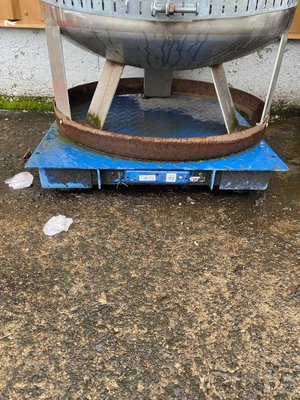
Access the faceplate
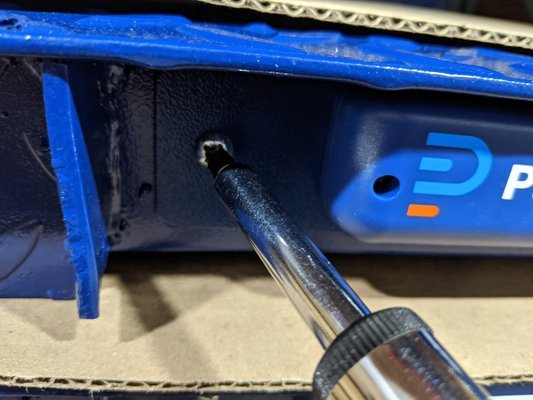
- Access the faceplate of the scale by removing the two larger screws on the scale's metal faceplate
- This will expose the inner cavity of the scale
Access and inspect exterior of junction box
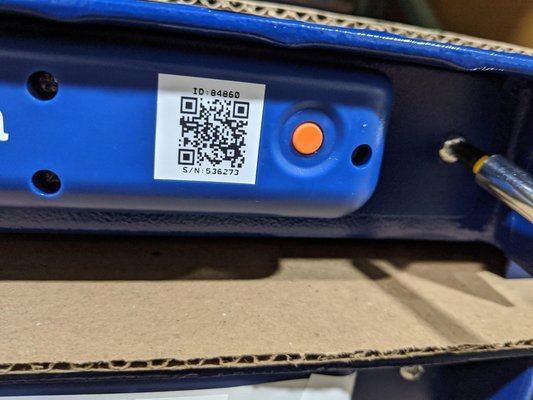
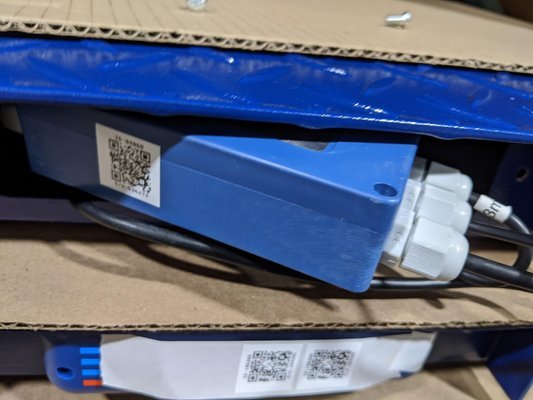
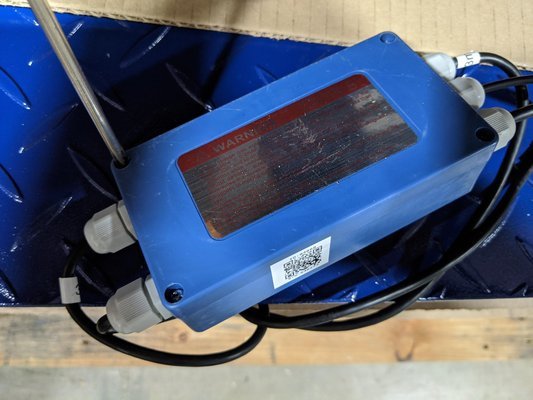
- Inside of the industrial scale, will be one sealed blue box. This is the scale's junction box.
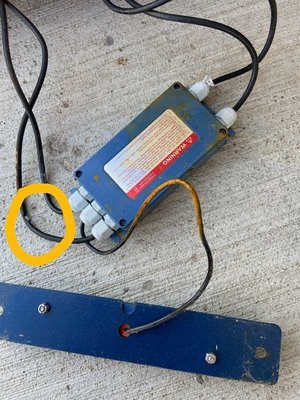
- Bring the junction box out of the scales and carefully inspect the wires going into it.
- The wires should be sealed, and free of any loose/ exposed/ chewed wiring.
- If damaged/ chewed or exposed wire is seen, contact Pulsa Support for further guidance.
Access and inspect interior of junction box
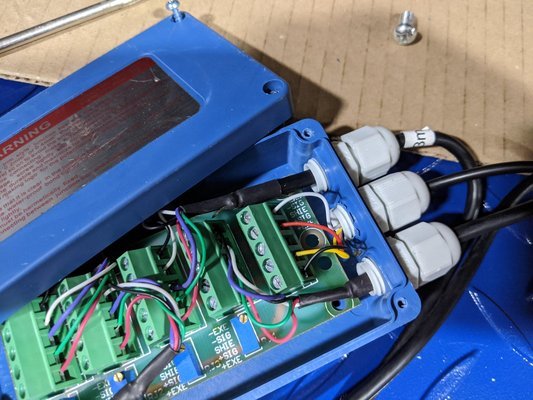
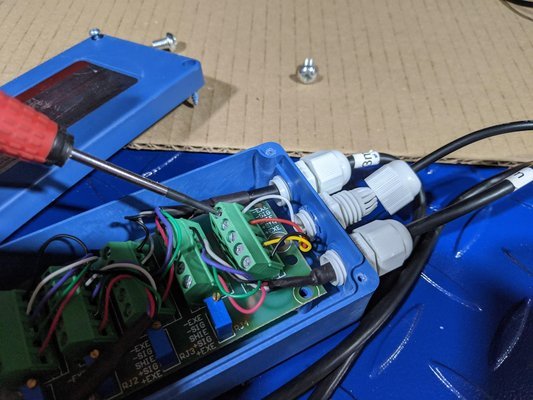
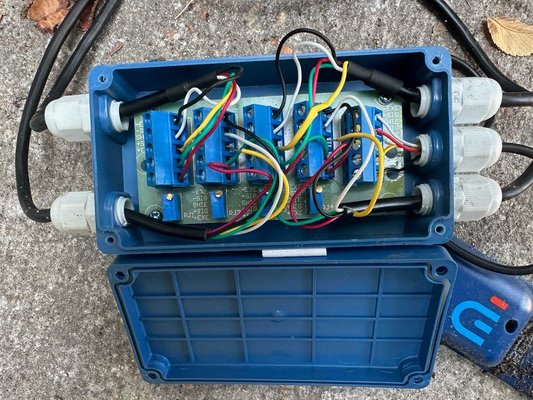
- Access the interior of the junction box by removing the four small screws along the top of the junction box.
- Within the junction box, you will see 5 rows of wiring.
- Inspect each row for loose/ exposed wires by gently tugging each wire. If the wire gives way or does not feel secure, rethread and tighten the wire to it's assigned port.
- Tighten and rethread each port even if no issue is seen to ensure a connection is established for each port
- Note: ensure each port is clamping down on the wire, and not the heat shrink/ plastic wire covering to establish a proper connection
Confirm sensor measures
Note: we recommend leaving the junction box and faceplate open at this step
In the Pulsa app, pull up the scale you're currently testing (Tip: this can be done by scanning the QR code on the scale's faceplate)
Wait for 1-2 measures to confirm if measures have been corrected and the scale is now reading as expected
If 1-2 measures elapse and measures remain unchanged, contact Pulsa Support for next steps.
(888) 259-1163
support@pulsasensors.com
We recommend taking pictures of the scale, faceplate and junction box during this time as we will ask to review.