

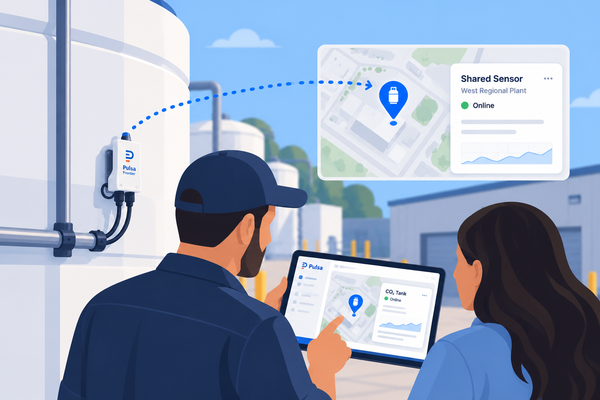
Location Sharing gives Pulsa users the ability to share Location data with individuals outside of their own organization.
How it Works:
When in range of the location, Pulsa hardware information (details and measures) will be made available to users with shared access.
When the unit leaves the location, access will automatically be revoked.
Example: You have a customer that receives a new cylinder/ asset. They'll see the new unit, it's current level, and ongoing level throughout the duration of it's stay at that location. When a new tank comes in to replace it, the original tank will be removed from their visibility, and the recently delivered tank will be visible instead.
How to Enable Location Sharing:
To enable Location Sharing:
- Navigate to Locations
- Select the Location you'd like to share access to
- Under Access, click "Share location"
- Search and Select the Company you'd like to provide shared access to, click "Share" to save
Note: If the Company you'd like to provide access to does not yet have a Pulsa account, complete the following steps to create a new company:
- Select your user Icon in the bottom left hand corner
- Select Companies
- Click the three dot charm, then "Create new company"
- Create a name, and click "Create Company" to save
- Invite needed team members to your newly created company using the "Invite user" option